One key, a whole chord.
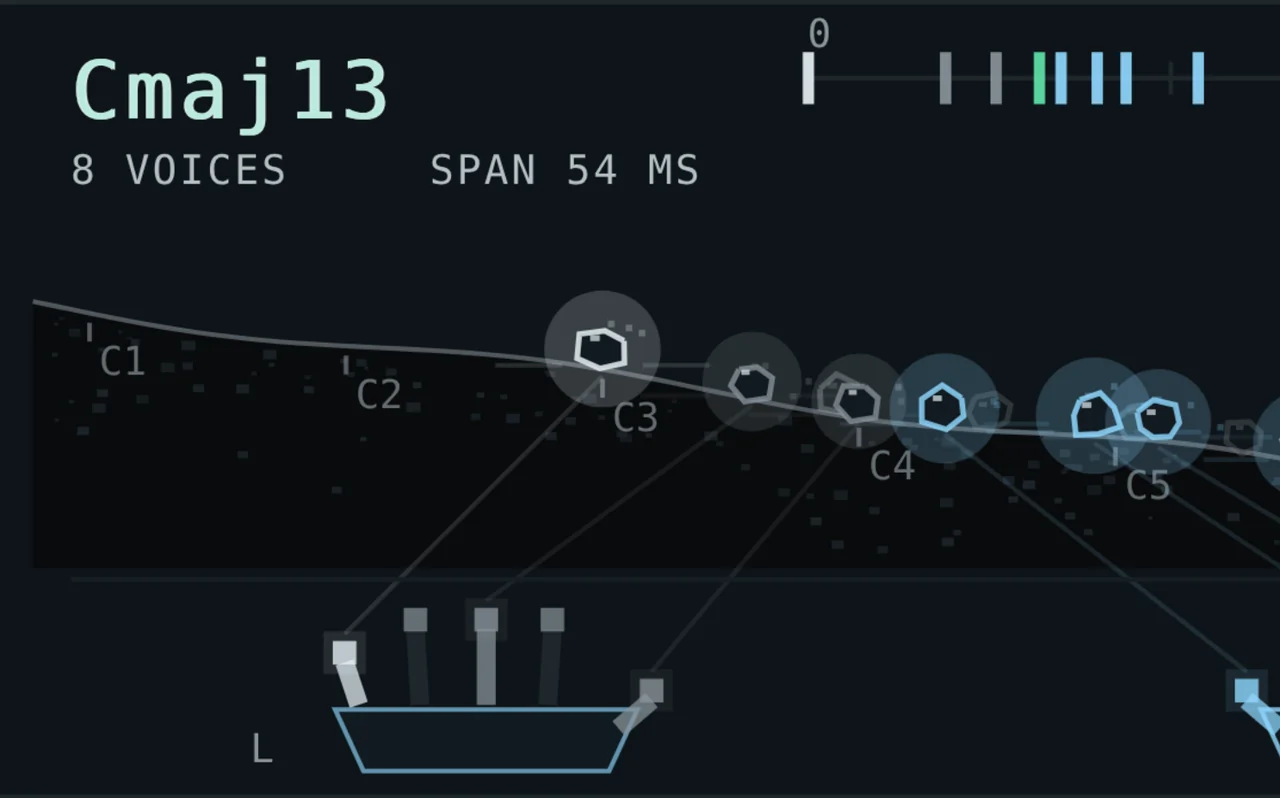
In GENERATE, TALUS builds the chord of that key in your scale — three to ten voices, left and right hand, each finger lights up as it plays. In HUMANIZE it keeps your notes and only changes how they are played.
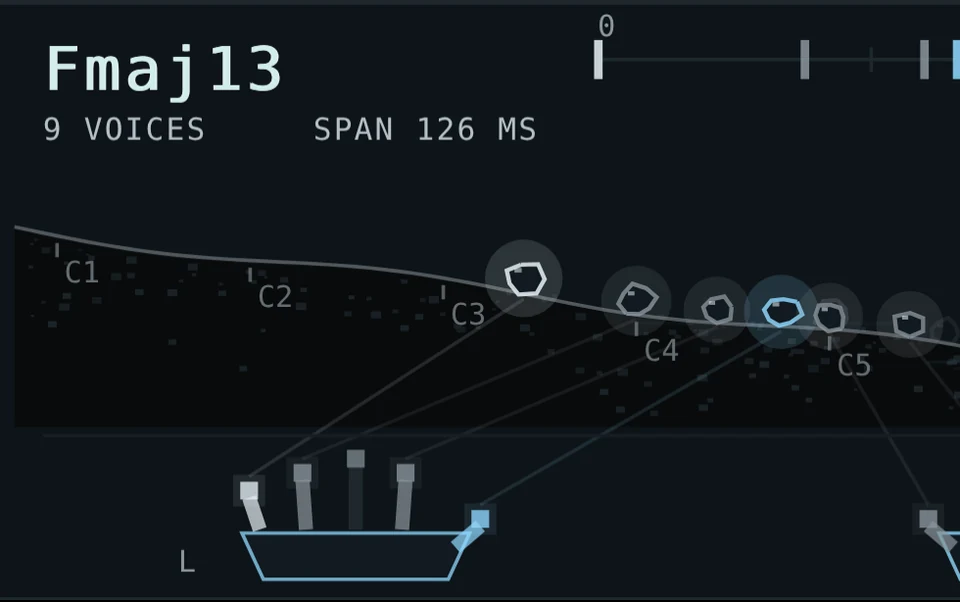
Organic chords. Every note gets its own touch, timing and weight — played, not programmed.

01ClickTap the numbers 01–04 in the picture to see what each part does
In GENERATE, TALUS builds the chord of that key in your scale — three to ten voices, left and right hand, each finger lights up as it plays. In HUMANIZE it keeps your notes and only changes how they are played.
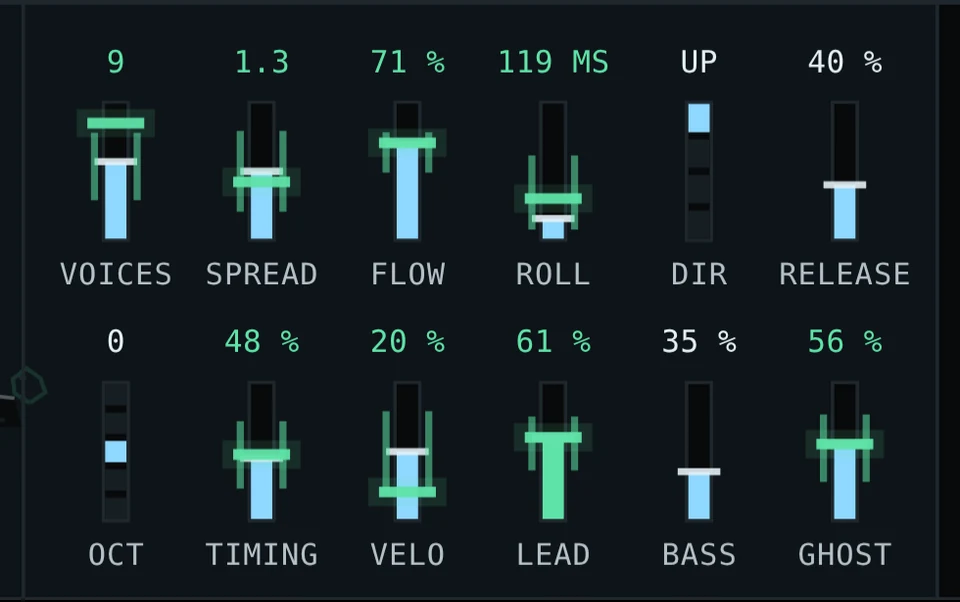
Voices, spread, roll, octave, timing, velocity, lead, bass, ghost — each can wander slowly with the song or change on every chord. At 100 % a fader sweeps its whole range.
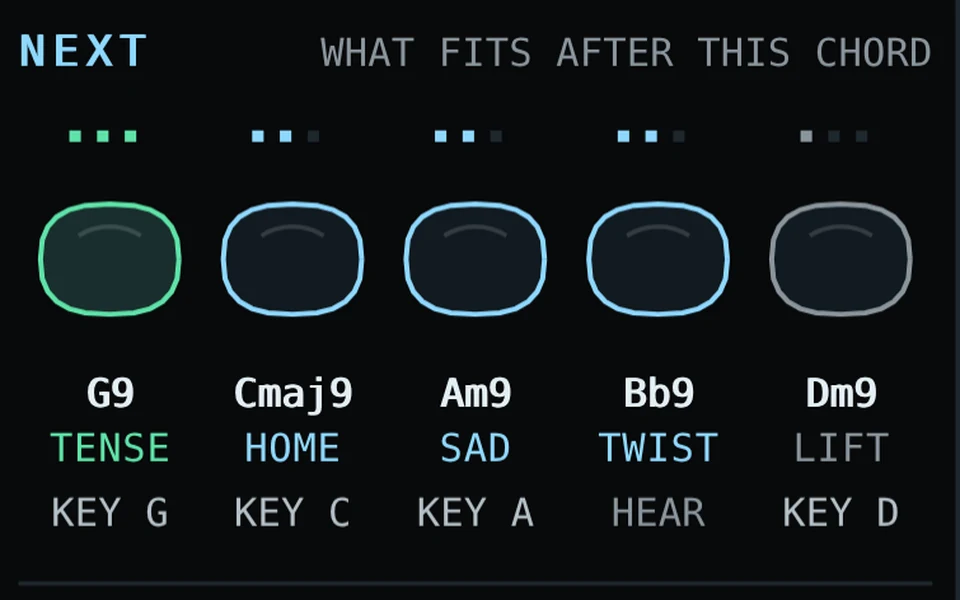
After every chord, five stones suggest where to go: HOME, LIFT, SAD, TENSE, TWIST. Click one to hear it on your own instrument — it shows the key that plays it.
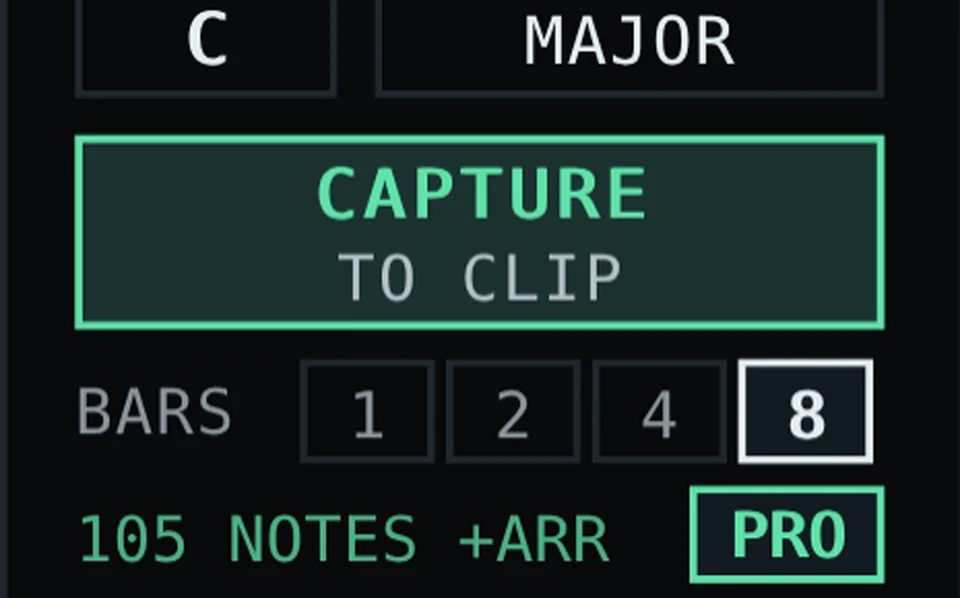
TALUS turns your whole MIDI clip into played chords — on a copy of the track right below, same instrument, ready to freeze or export.
A pianist does not hit ten keys at the same strength. The top note comes a little earlier and louder, the bass carries weight, doubled notes sit underneath as ghost notes, and the chord rolls. TALUS follows those rules note by note — and lets the touch drift from chord to chord the way a person drifts.
Voice leading included. With FLOW up, each new chord takes the inversion closest to the last one, so the top line moves like a player's hand.
You do not need to know what a subdominant is. After every chord TALUS shows five stones — back home, lifting, sad, pulling forward, or a little twist from the neighbouring key. Click one to hear it through your own instrument, then press the key it shows.
A starting point, not a verdict. The suggestions follow the rules of functional harmony.
Put TALUS before any instrument, draw a few notes and press CAPTURE. It plays the whole clip through and writes the chords to a copy of your track right below — same instrument, same sound, TALUS taken off.
Your original stays untouched. Loops in the Arrangement are rolled out over the full length, so every repeat is played anew.
The whole device, nothing held back
Max for Live · Ableton Live 10, 11, 12Licence No serial, no account, no expiry. It is yours to keep. Pricing policy
TALUS sends MIDI only — it needs an instrument after it on the track. The Max patch is open: take it apart.